A Small Branding Kit for a New PNGTuber Channel
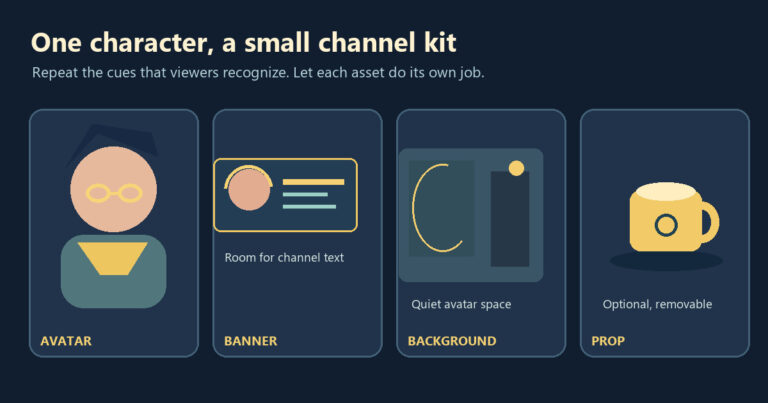
Build a small PNGTuber channel kit around recognizable avatar details, a banner, a readable stream background and optional props. Test the assembled scene.
Practical PNGTuber guides for character creation, four-state avatars, Veadotube Mini, Discord Reactive Images, OBS setup and avatar choices.
New to reactive avatars? Start with the beginner guide, Create a free PNGTuber, then follow the OBS setup guide.
Build a small PNGTuber channel kit around recognizable avatar details, a banner, a readable stream background and optional props. Test the assembled scene.
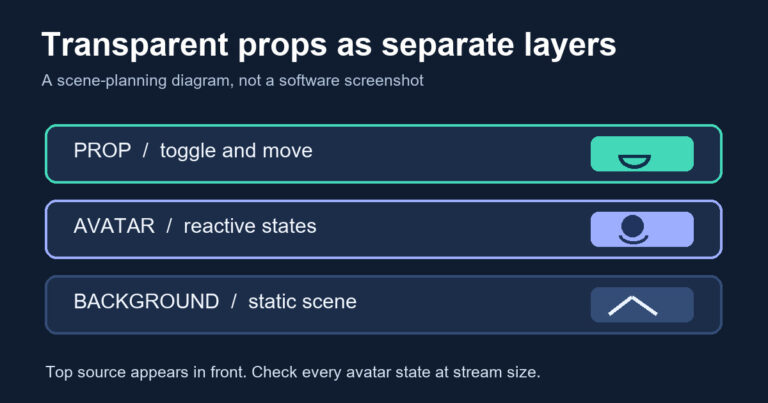
Add transparent PNG props to OBS as independent Image sources, then position and toggle them without flattening your reactive PNGTuber states.
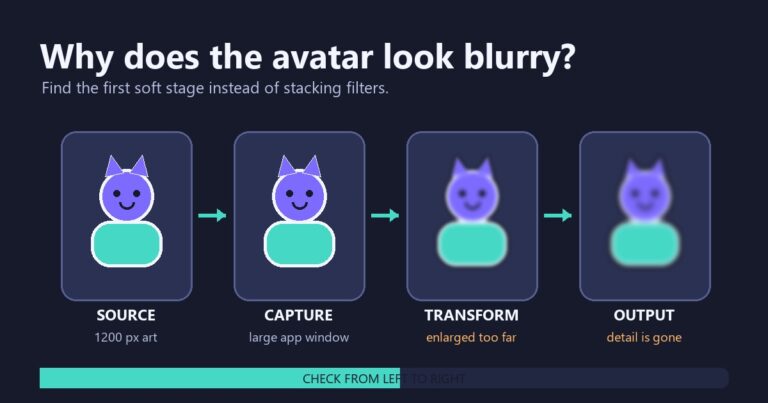
Trace a blurry PNGTuber through its source image, OBS transform, scale filtering, canvas, and output without confusing softness with an alpha halo.
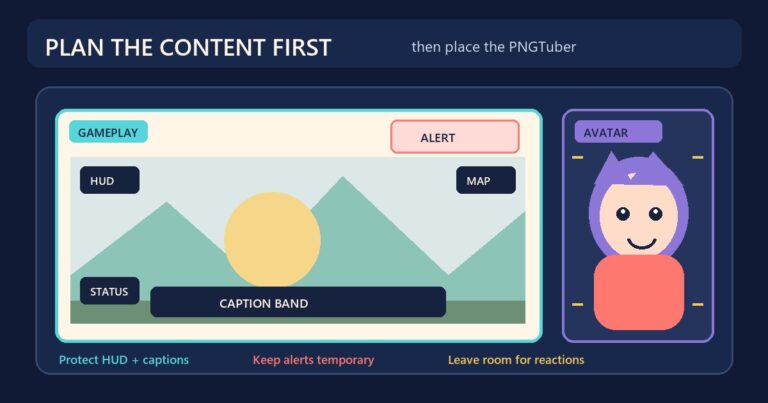
Plan a PNGTuber stream overlay around gameplay, HUD elements, captions, alerts, and an avatar that needs room to react.
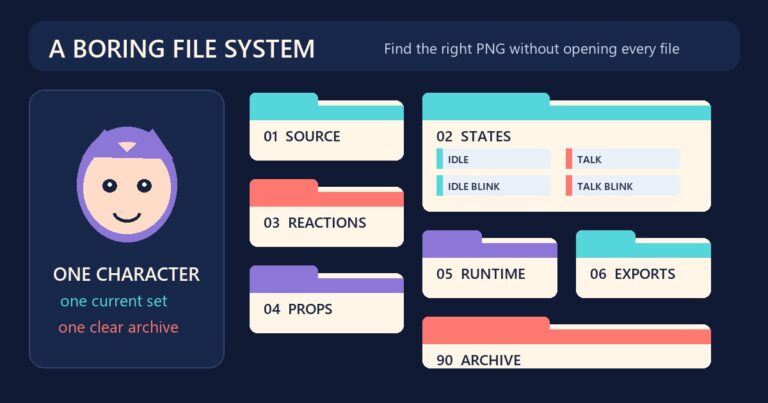
Use a simple PNGTuber folder structure and stable file names for avatar states, reactions, props, exports, and tested backups.
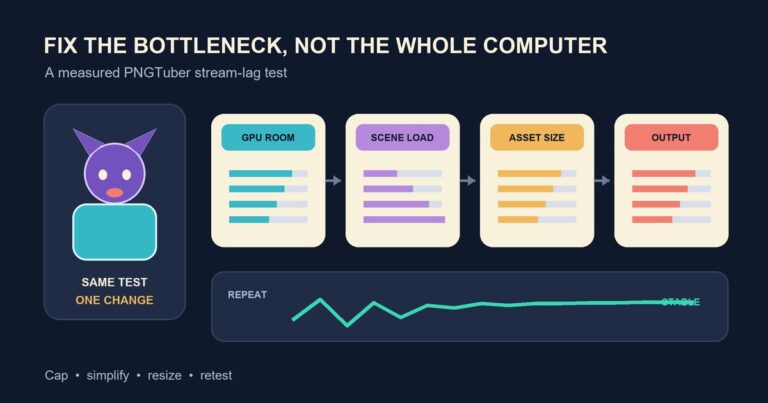
Troubleshoot PNGTuber stream lag with repeatable OBS tests for GPU headroom, scene complexity, avatar assets, frame rate, and output resolution.
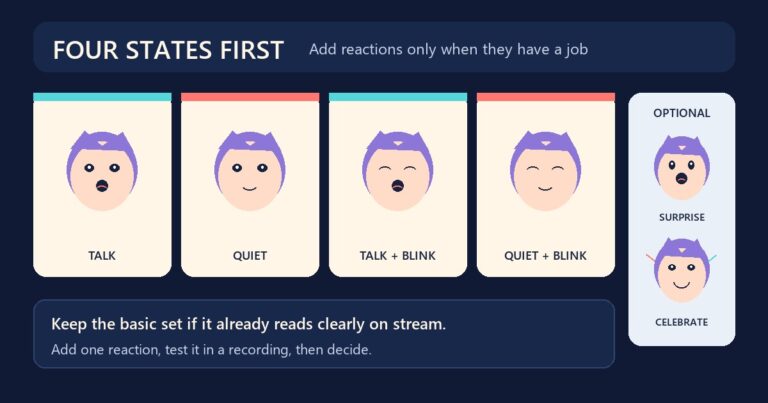
Learn when a four-image PNGTuber set is complete, when extra reactions help, and how to add Veadotube Mini states without making the avatar harder to use.
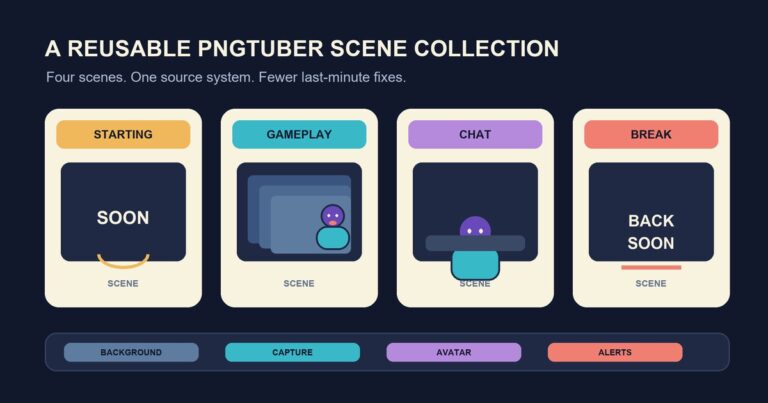
Build a reusable PNGTuber OBS scene collection with clear Starting, Gameplay, Chat, and Break scenes, and keep profiles separate from layouts.
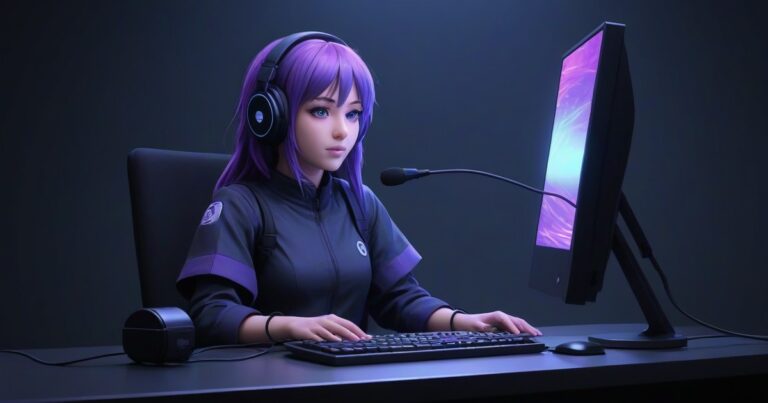
Stop keyboard clicks and room noise from triggering your PNGTuber. Tune microphone sensitivity with a practical noise-floor and speech test.
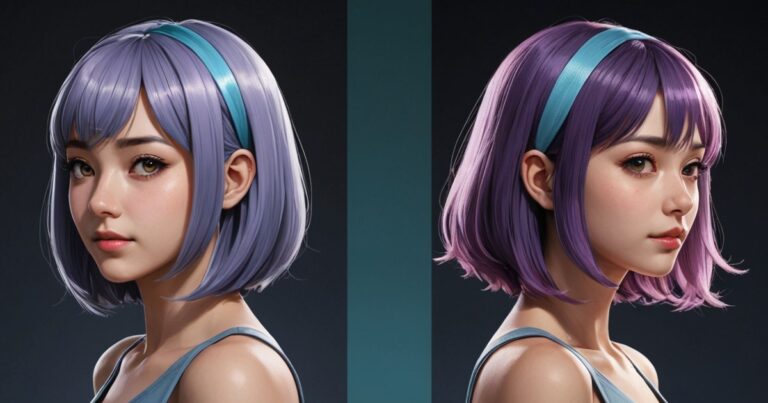
That thin white or dark outline around your character? It is baked into the alpha channel, not added by the streamer. Learn how to spot the halo in under a minute, fix it at the source, and stop the flicker when your VTube state changes.