A Practical Checklist for Your First PNGTuber Stream
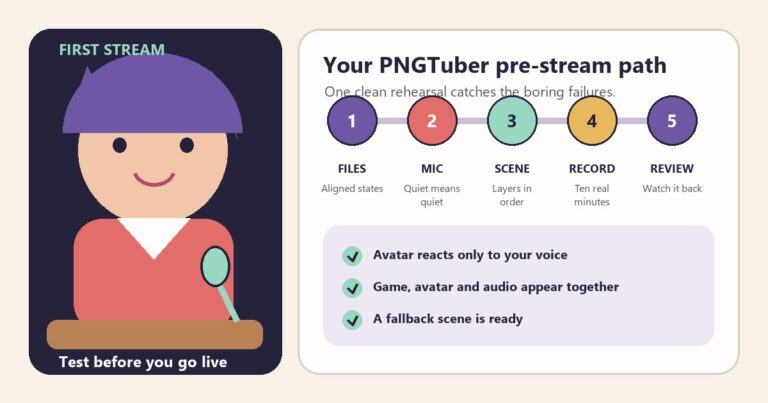
A practical pre-stream checklist for testing your PNGTuber files, microphone response, OBS layout, local recording, and backup before you go live.
Practical PNGTuber guides for character creation, four-state avatars, Veadotube Mini, Discord Reactive Images, OBS setup and avatar choices.
New to reactive avatars? Start with the beginner guide, Create a free PNGTuber, then follow the OBS setup guide.
A practical pre-stream checklist for testing your PNGTuber files, microphone response, OBS layout, local recording, and backup before you go live.
Design a PNGTuber that stays clear at stream size. Test silhouette, face, palette, accessories, backgrounds, and reactive states before going live.
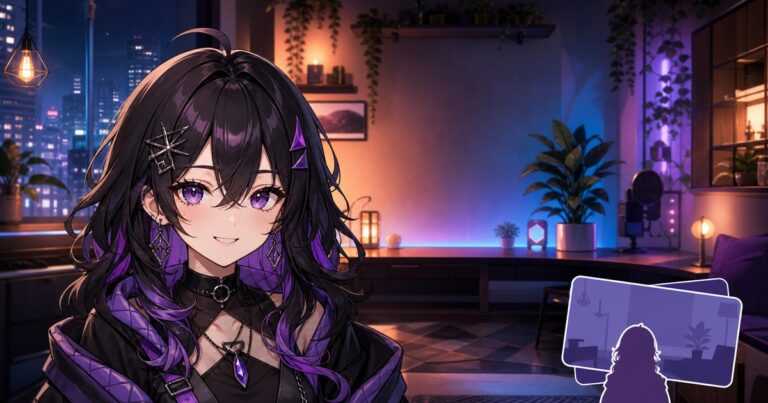
Design a readable VTuber or PNGTuber room background, create a matching environment after the character, and layer it correctly in OBS.
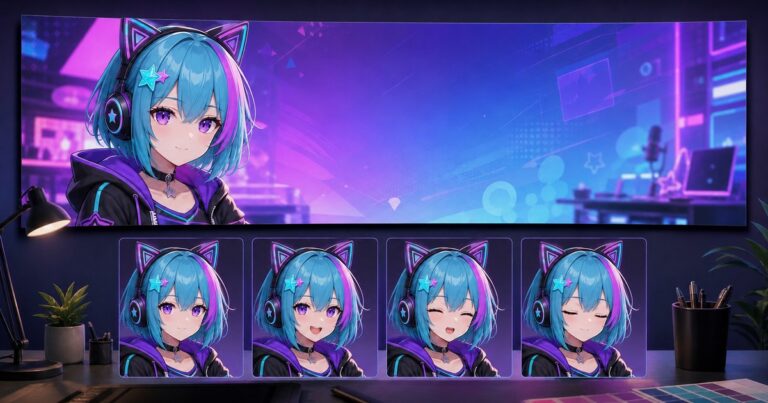
Use the Twitch banner maker after creating your PNGTuber. Build matching 1920×600 profile artwork and avoid common crop and branding mistakes.
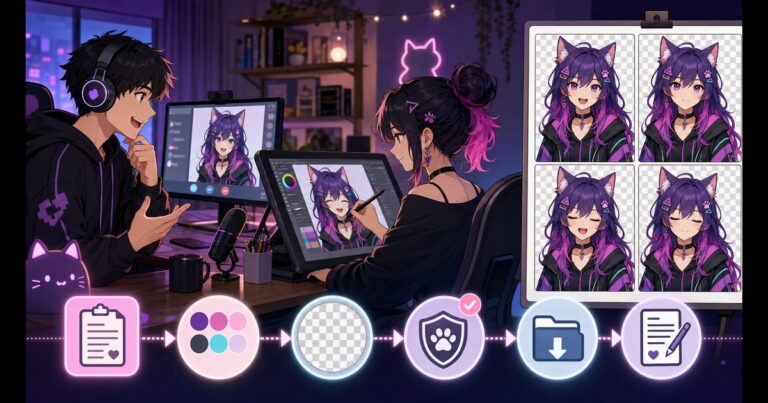
Commission a PNGTuber with a clear four-state brief, revision workflow, delivery checklist and written usage terms. Includes a copyable artist template.
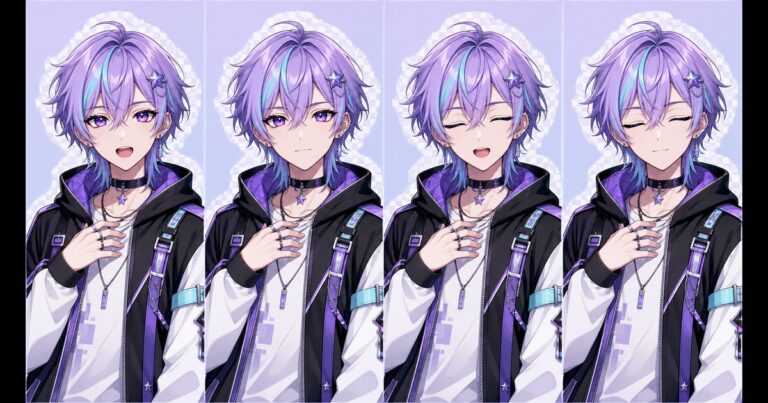
Plan a stable PNGTuber model with four eye and mouth states, readable poses, transparent PNGs and a practical commission brief checklist.
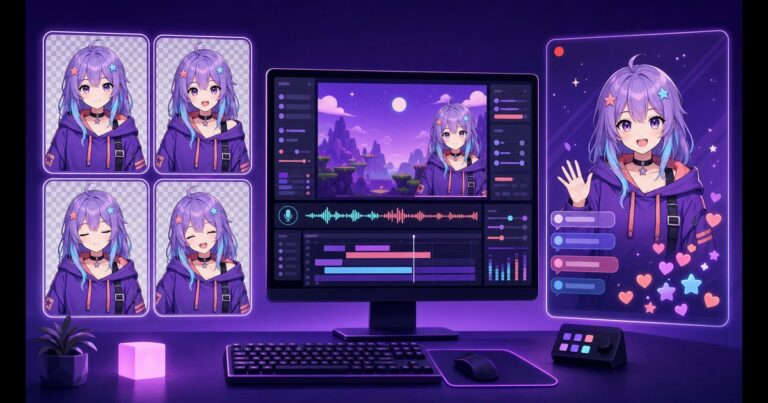
Become a PNGTuber on Twitch with four reactive images, Veadotube Mini and OBS. Create the avatar, configure audio, build a scene and test before going live.
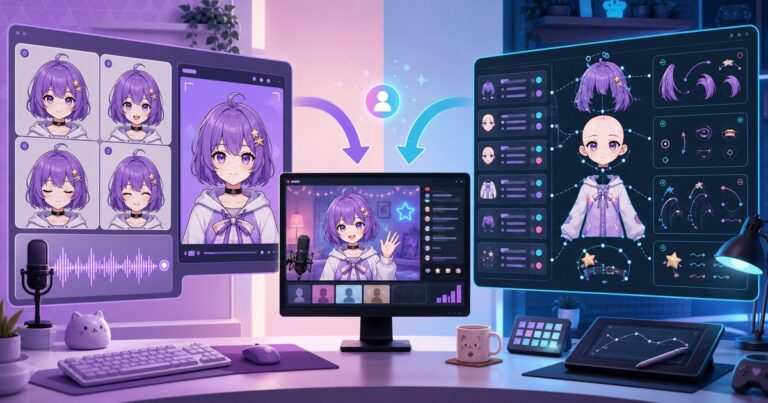
Compare the best free PNGTuber software. See how Veadotube Mini and PNGTuber Plus differ by platforms, image states, layered motion, mobile support and OBS use.
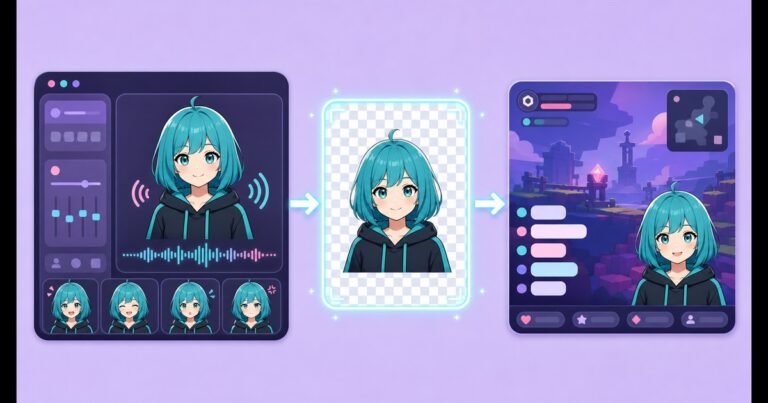
Add a PNGTuber to OBS with Veadotube Mini on Windows, macOS or Linux. Compare Spout2, Game Capture, PipeWire, Syphon and Window Capture.
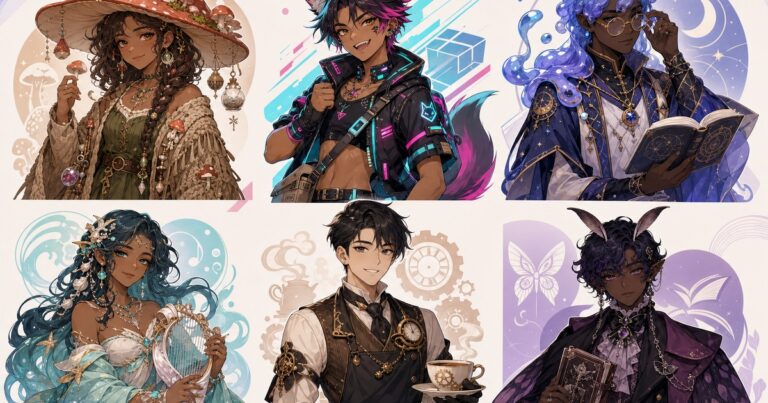
Explore 25 original PNGTuber ideas with adaptable character prompts, separate pose directions and practical tips for a readable streaming avatar.