Free VTuber Overlay Maker
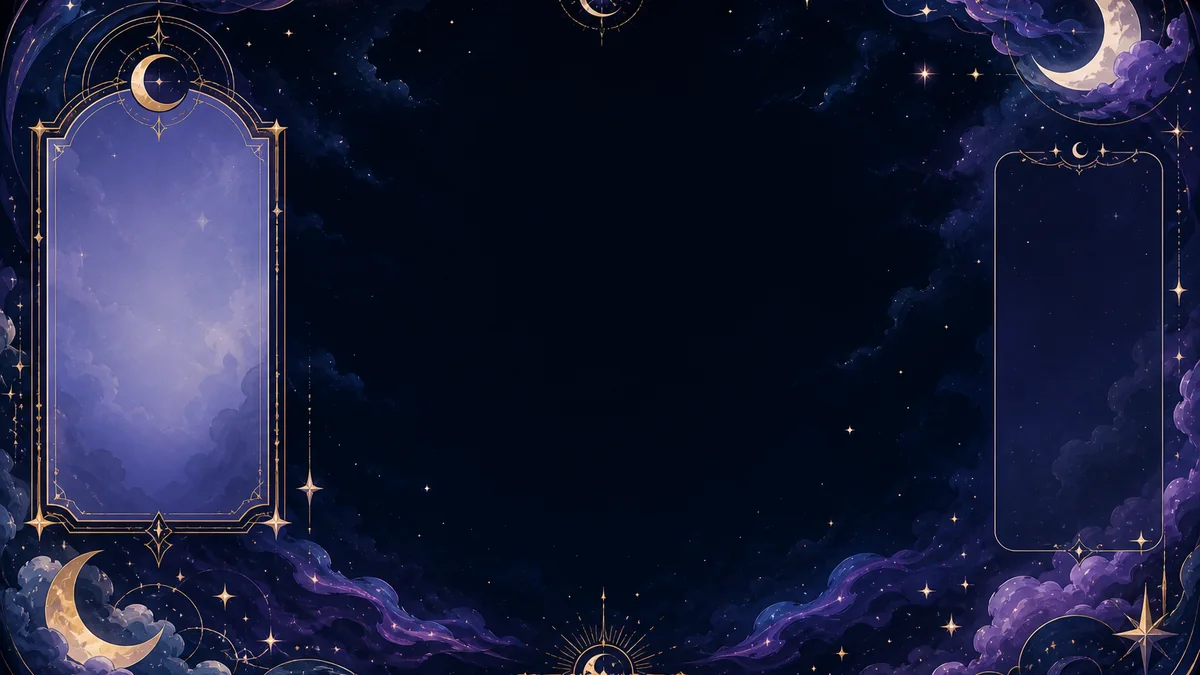
Create a custom text-free VTuber stream overlay with a clear gameplay area and room for your avatar.
Start creating for free10 guest generations / 24 hours; free verified account: 20 generations per day.1 · DESCRIBE
Create your VTuber overlay
One accepted launch uses one creation from the shared FreePNGTuber daily allowance.
Frame gameplay without covering the important area
Control which side should remain open for the avatar and keep the central gameplay or camera area visually clear. The overlay is generated without usernames, labels or logos so you can add exact text later in OBS instead of accepting misspelled AI lettering.
Choose a common landscape, portrait, square or ultrawide ratio and a supported custom width. Add the downloaded PNG above your gameplay and camera sources, then resize it to the matching OBS canvas without stretching the aspect ratio.
- Gaming and Just Chatting layouts
- Avatar space on the left or right
- Text-free frames for reusable scenes
- Full HD-bounded custom dimensions
Open the PNGTuber and OBS setup guide →
Made for streamers, PNGTubers and VTubers
Use the controls above to choose the visual direction, palette, lighting, composition and output size. Your creations stay tied to the same guest session or FreePNGTuber account, so login and quota remain consistent across every maker.
Frequently asked questions
What is a VTuber overlay?
A VTuber overlay is a transparent or framed visual layer placed above a stream scene.
Can I add it to OBS?
Yes. Download the overlay PNG and add it above your gameplay or camera sources.
Does the overlay contain text?
No. It is generated without words, usernames or logos so you can add exact labels separately.